- Contact us: office@woods.consulting

- Contact us: office@woods.consulting
- Customer Support
Dynamics 365 Field Service Consulting & Support
We implement, integrate and support Microsoft Dynamics 365 Field Service for service organisations: scheduling and dispatch, work orders, the technician mobile app and billing. Microsoft partner, fixed-scope projects, support after go-live.
Why work with a Dynamics 365 Field Service consultant
Field Service touches dispatchers, technicians, service managers and finance at once, and a default configuration fits none of them. As a Microsoft partner, Woods Business Solutions designs the service process first – work order types, booking rules, skills, territories, mobile forms – and then configures Dynamics 365 Field Service around it, integrated with your ERP and customer data.
Implementation
Scoping workshop, process design and configuration: work order and incident types, resource skills and territories, schedule board and Resource Scheduling Optimization, customer assets and agreements. Delivered in fixed-scope phases with a first release your dispatchers can use early.
Integration & rollout
Technician mobile app with offline profiles, Outlook and Teams, IoT alerts, and integration with Dynamics 365 Finance & Supply Chain, Business Central or your existing ERP. Data migration for customers, assets and open work orders, then a controlled rollout by team or region.
Support & optimisation
Dynamics 365 Field Service support after go-live: user questions, mobile app and scheduling issues, changes to booking rules and forms, release updates. Named consultants who know your setup, plus regular reviews to raise first-time-fix rate and utilisation.
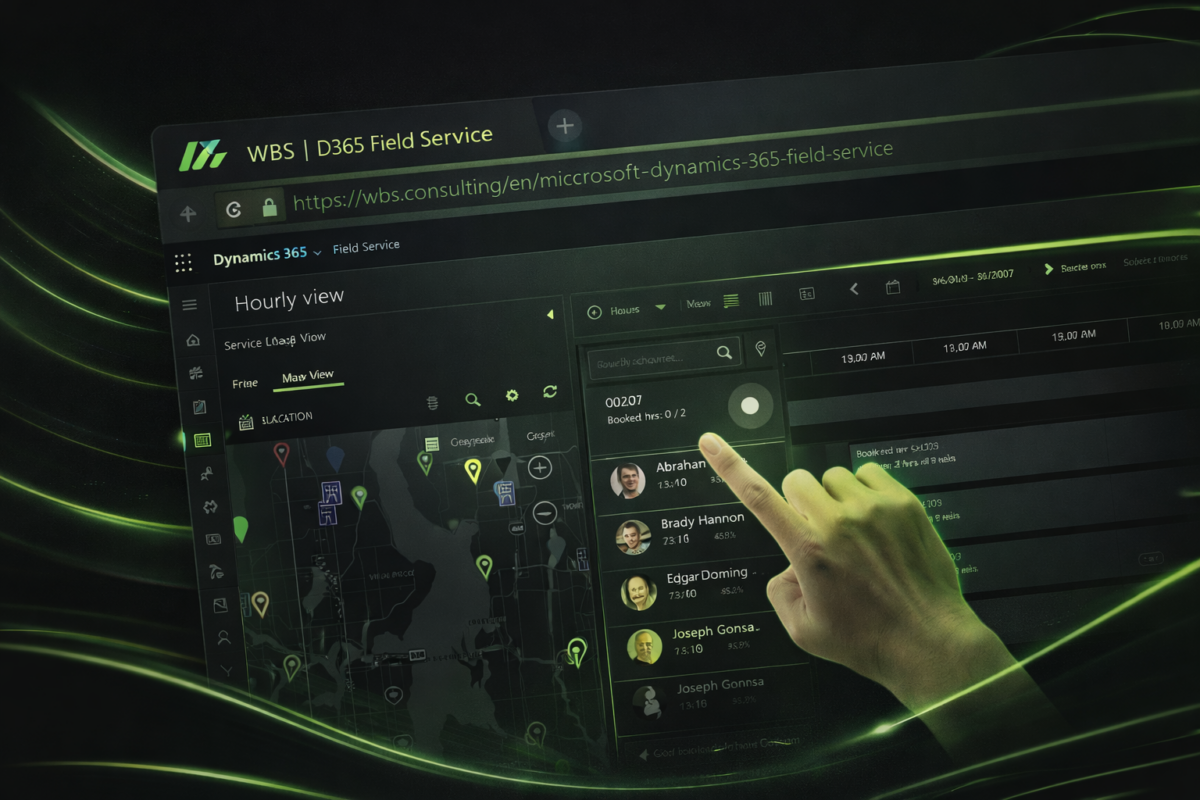
What a well-implemented Field Service delivers
Dynamics 365 Field Service helps service organisations streamline operations, improve technician execution and move towards proactive service. Configured properly – with scheduling, assets, mobile workflows and IoT insights connected – it reduces downtime, shortens response times and makes service more profitable. Our job is the “configured properly” part.
Dynamics 365 Field Service capabilities we implement
Field Service includes a rich set of capabilities. Our consulting work is deciding which ones your service teams need, configuring them properly and leaving out what would slow technicians down.
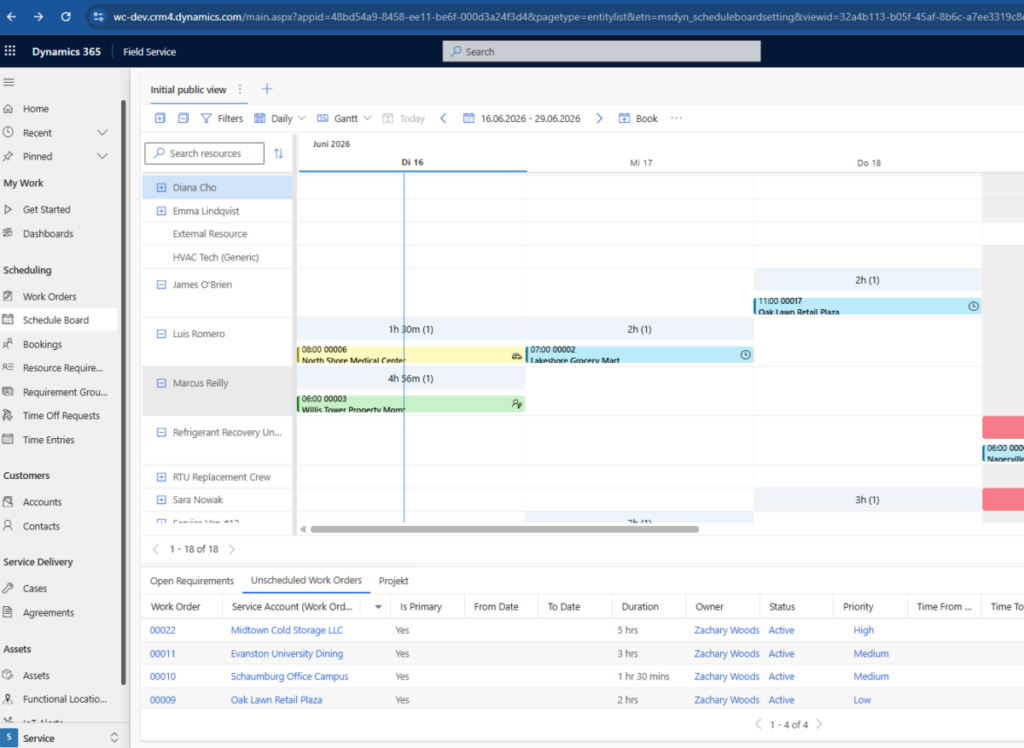
Scheduling and dispatch
Dispatch the right technician at the right time with the schedule board, skills and territories, and let Resource Scheduling Optimization plan routes and priorities automatically. We configure booking rules, travel time and the views your dispatchers work from every day.
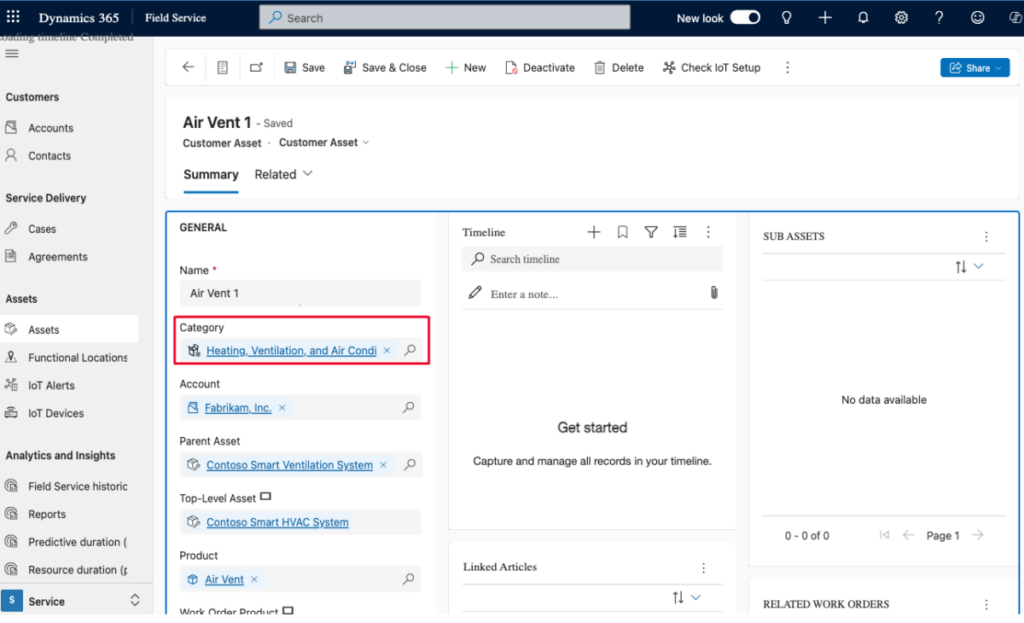
Work Order Management
Create work orders from cases, sales orders, emails, service agreements or IoT alerts, and define tasks, parts and labor required. Copilot can summarize work orders and suggest responses to customers via Outlook.
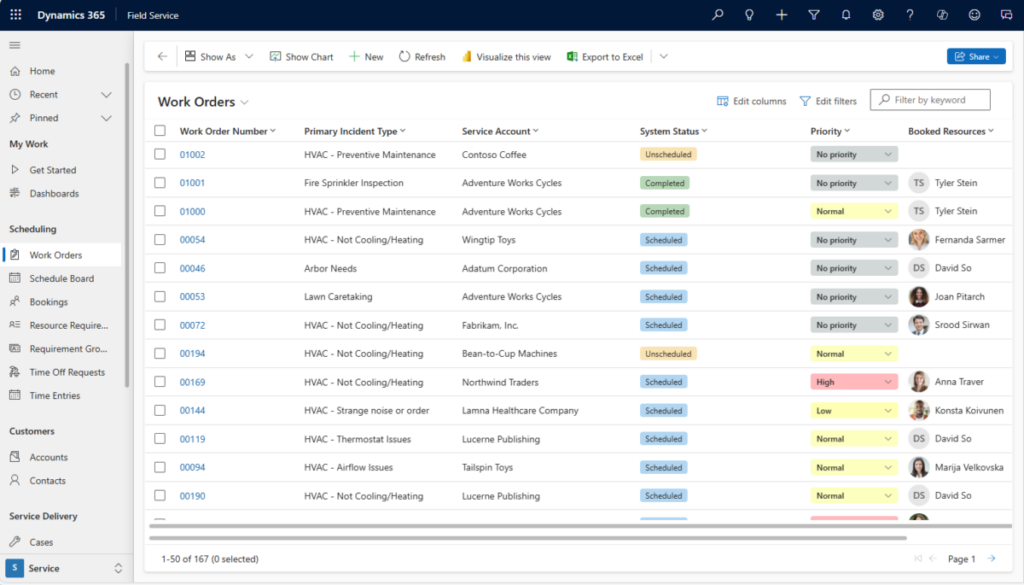
Resource and asset management
Invoicing & Accounting
Capture labor, parts, and agreement coverage per work order and flow it straight into billing. Native integration with Dynamics 365 Finance & Supply Chain Management (FSCM) posts costs and revenue automatically and ties parts usage back to live inventory — closing the loop from service delivery to invoice without manual re-entry.
Rolling out Field Service, or running one that dispatchers and technicians work around? Book a free 30-minute scoping call. We look at your service process, show what a Dynamics 365 Field Service implementation or support engagement would involve and give you an honest estimate of effort and cost.
Dynamics 365 Field Service consulting FAQ
The questions we hear most often before a Field Service project starts.
How much does a Dynamics 365 Field Service implementation cost?
Scope drives it: number of technicians, whether you need the mobile app, Resource Scheduling Optimization, IoT or ERP integration. After a free scoping call we price the implementation as a fixed-scope project covering design, configuration, data migration and training, plus the Microsoft licences per user. You get a written offer, not an hourly estimate.
How long does a Field Service rollout take?
A first release with work orders, the schedule board and the mobile app for one service team typically takes six to ten weeks. Additional regions, IoT alerts and ERP integrations follow in phases.
Can you connect Field Service to our ERP or Business Central?
Yes. We integrate work orders, parts and billing with Dynamics 365 Finance & Supply Chain, Business Central or a third-party ERP. Field Service work that’s billed through Project Operations arrives as a project invoice, and the WBS Invoice Accelerator for Dynamics 365 gives it a legal invoice number and, on request, an e-invoice.
Do you offer ongoing Dynamics 365 Field Service support?
Yes. Support retainers cover user questions, scheduling and mobile app issues, changes to work order types, incident types and booking rules, release updates and new features. You work with named consultants who know your setup, not a ticket queue.
Does the technician mobile app work offline?
Yes. The Dynamics 365 Field Service mobile app supports offline work: technicians see their bookings, complete tasks and capture photos and signatures without connectivity, and the app syncs once back online. We configure the offline profile so only the data technicians need is downloaded.
I'm here to help!
I would be pleased to answer any queries you have.

Zachary Woods
Business Consultant
- +1 (941) 350 6707
- sales@woods.consulting
Find out how we can help transform your field service with
Microsoft Dynamics 365 Field Service and WBS apps.