
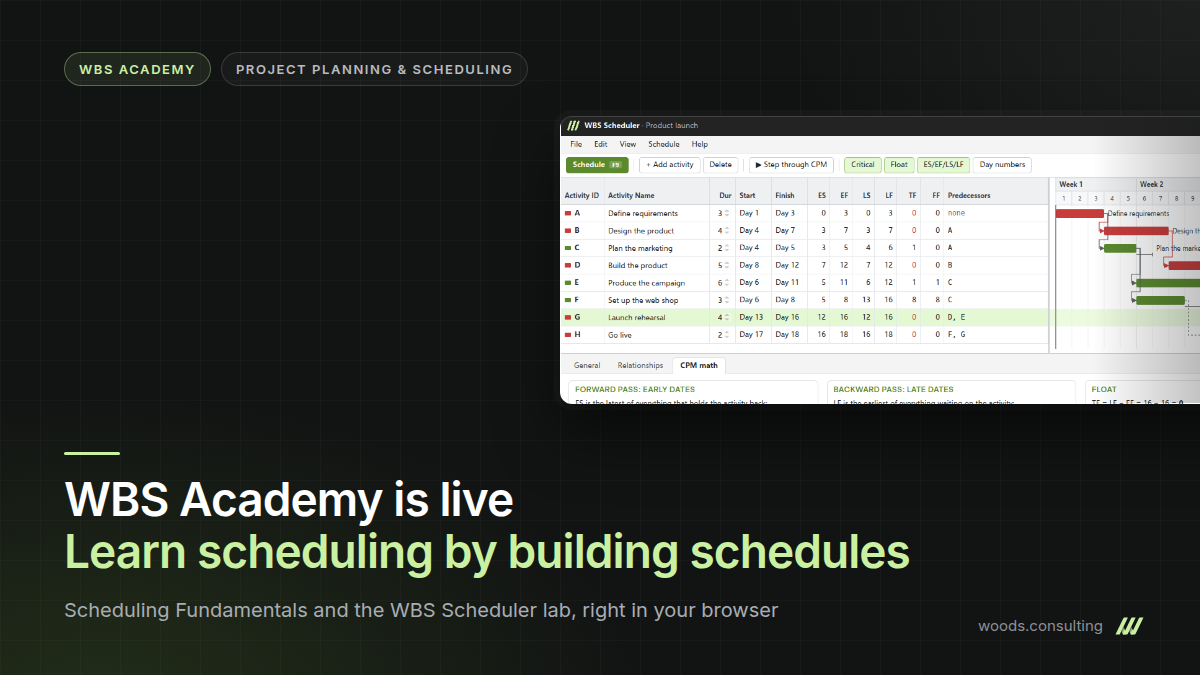
WBS Academy is open at academy.woods.consulting. It is where our training in project planning and scheduling will live from now on, and the first course, Scheduling Fundamentals, is ready. During the preview every lesson is open to everyone, and you do not need an account.
Why we built it
Most people learn scheduling by learning a tool. A course on P6 or Microsoft Project shows you where to enter a relationship and which key reschedules the project. It rarely shows you why an activity’s late finish lands on the 14th and not the 12th, or why float went negative across half the network after someone added a deadline. Planners who learned that way can run the software. They get stuck the first time a date looks wrong and they have to explain it to the project manager.
We have spent a lot of time on the arithmetic behind those dates. Our seven-part series on an external scheduling engine for Dynamics 365 Project Operations works through the forward pass, the backward pass and float as code. Once you have written them down that way, you see how much of the method comes down to a handful of rules. WBS Academy teaches those rules first and the software second.
What is in Scheduling Fundamentals
The course is self-paced and takes about four hours. It has twelve lessons in five chapters:
- Getting started: how the course works, and a tour of the lab.
- Dependencies: the four relationship types, lags and leads, and why open ends mislead.
- The Critical Path Method: the forward pass, the backward pass and the critical path.
- Float: total float, free float, deadlines and negative float.
- Wrap-up: a capstone in which you build a schedule end to end, and a final knowledge check.
Ten of the lessons end in a lab. Review questions along the way and a final quiz with a pass mark of 80 percent show whether the ideas stuck.
The WBS Scheduler
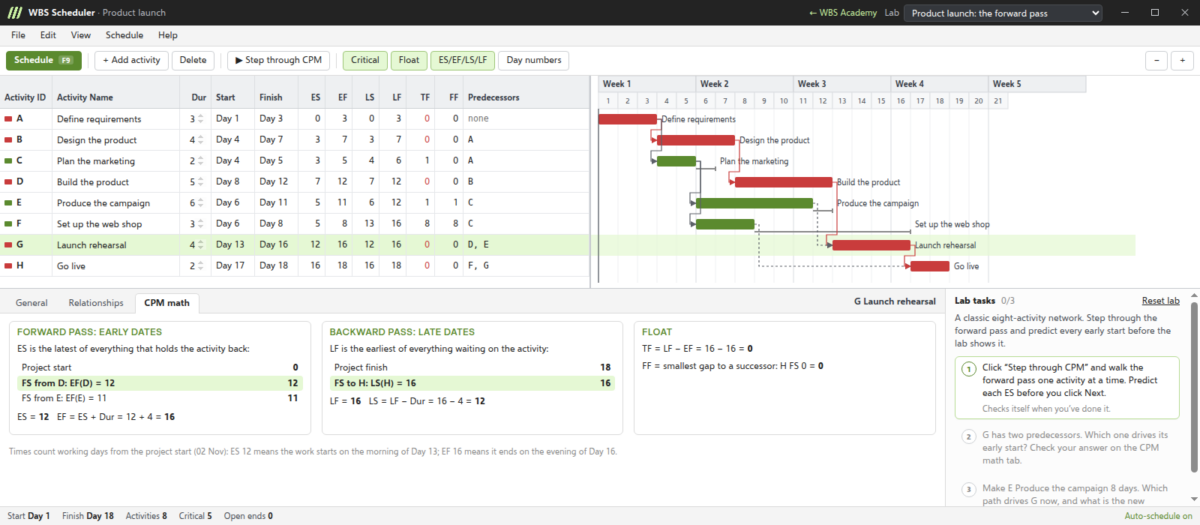
The lab is a small desktop-style scheduling application that runs in the browser. If you have used P6, it will look familiar: an activity grid on the left, a Gantt chart on the right, and a details pane underneath with the relationships and the calculation for the selected activity. Press F9 and it schedules. Switch on step-through and it walks the forward and backward pass one activity at a time, showing each date as it is worked out, so you can follow the arithmetic instead of taking it on trust.
Each lab gives you a network and a few tasks: add the missing logic, find the critical path, work out why an activity has negative float. The tasks tick themselves off when the schedule is right. Your work is saved in your browser, so you can close the tab and carry on later.
Who it is for
The course is for new planners and schedulers, for project engineers who are handed a schedule and asked to keep it up to date, and for project managers who want to know what they are signing off. It also suits people who use P6 or Microsoft Project every day and have never been quite sure how the dates are worked out.
What comes next
Five more courses are planned for the planning and scheduling track. Introduction to Project Planning covers scope, the work breakdown structure, activities and durations. Building a Quality Schedule covers logic quality, constraints and calendars, and health checks such as the DCMA 14-point assessment. Updating and Progressing a Schedule follows, along with two short courses, one on constraints and calendars and one on resource loading and leveling. Their outlines are already in the course catalog.
Student accounts come later. Until then the preview is open, and we would like to hear what you make of it.
Planning and scheduling at Woods Business Solutions
WBS Academy is part of our new Enterprise Project Planning & Scheduling capability. Alongside the training, we build logic-driven schedules for capital projects, turnarounds and maintenance programs on Microsoft Dynamics 365, from the work breakdown structure in Project Operations to the crews in Field Service. If your planners should work through the course as a team, or your schedules need the same attention, get in touch.
Keep reading
Building something in the Power Platform?
We design and ship the systems behind these posts. Tell us what you are working on.